Options & License
PPAPPURI is a collection of Revit add-ins specialized for architectural BIM practice. Supports Revit 2019 – 2027.
Find


Modeling


Copy


Drawing


Support


RVT / DWG


Plus


Quantity


Options


PPAPPURI CHAT


Settings
Click Settings to switch between Korean and English. The theme (light / dark) and the list font size are set here too.
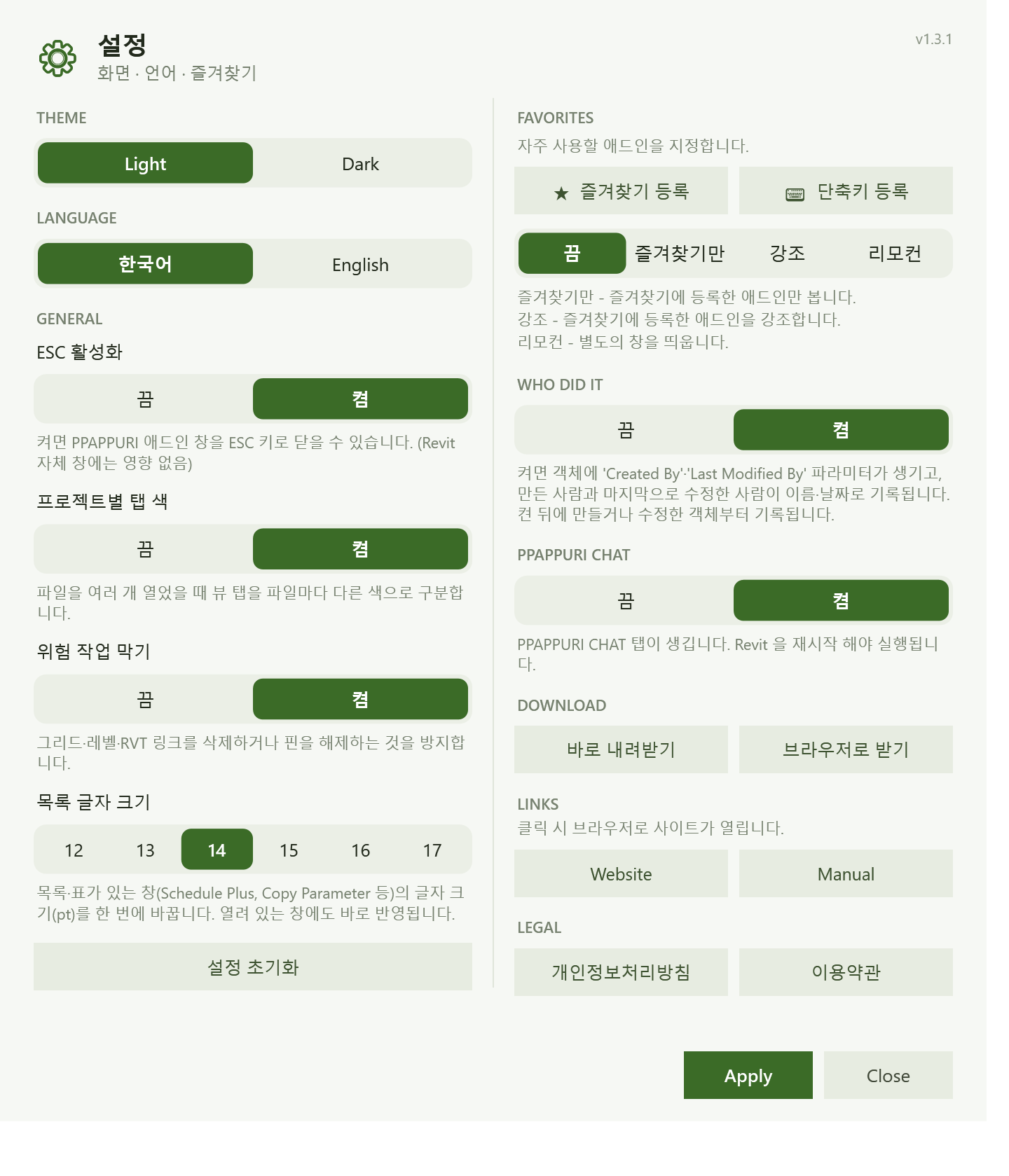
Favorites — pick the add-ins you use most and choose how the ribbon shows them.
- Only — show just the add-ins you marked as favorites.
- Highlight — emphasize the add-ins you marked as favorites.
- Remote — open a separate window.
Keyboard shortcuts — assign a shortcut per add-in. It applies right away, and you are warned when a shortcut is already used by Revit.
Color tabs by project — when several files are open, view tabs are tinted a different color for each file.
Danger guard — prevents deleting or unpinning grids, levels and RVT links.
Who Did It — adds 'Created By' and 'Last Modified By' parameters and records who created and last modified each element, with the date. Recording starts from elements created or modified after turning it on.
PPAPPURI CHAT — turning it on adds a separate ribbon tab. It appears after you restart Revit.
License
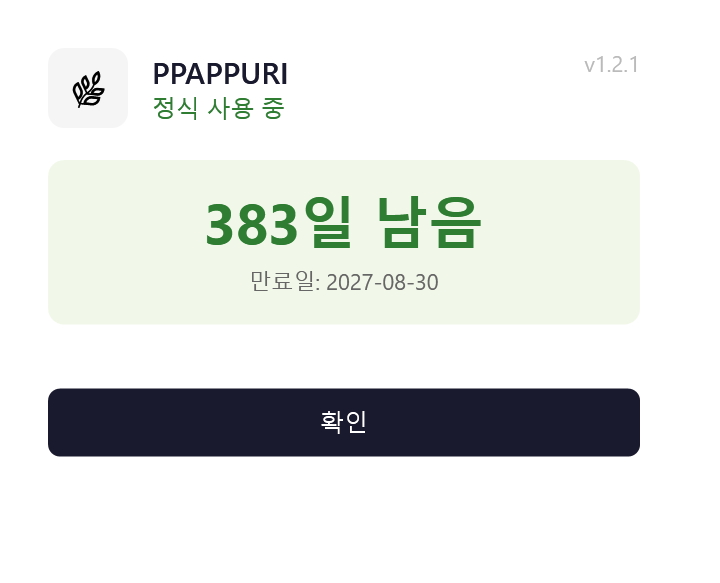
Every feature is unlocked for 20 days after you install. When the trial ends, click License, enter your email and code, and it activates right away.