Support
Issue Record
- Save issues that come up during work
- Handy when writing reports
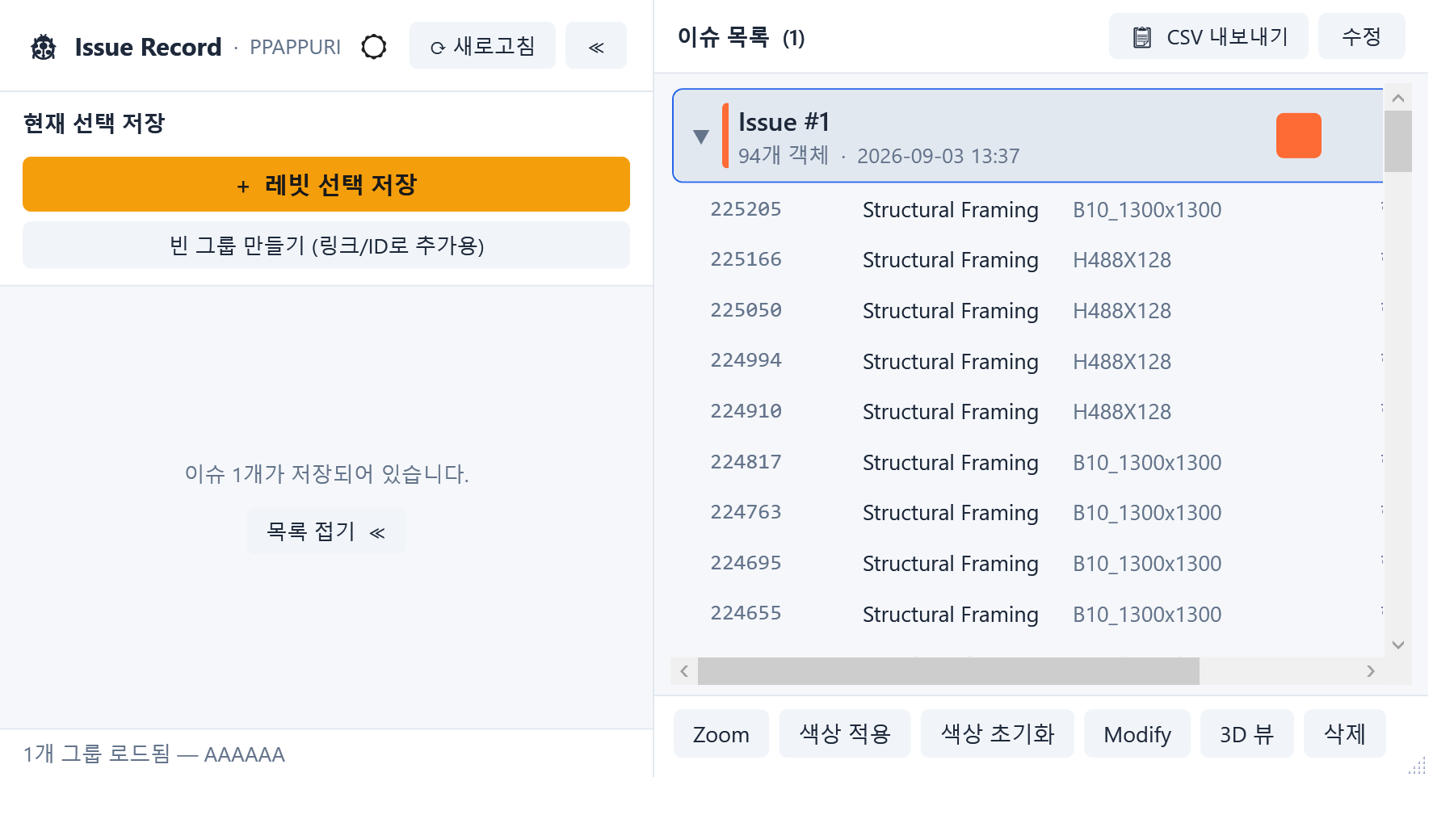
- Select objects and click Save — or click Save first, then select objects
- Specify a linked file → click “Add by click” → select objects inside the linked file
*Objects inside a linked file can be added to a group, but color-coding, zoom, etc. are unavailable
Auto Filter
- Auto-create filters and add them to the current view
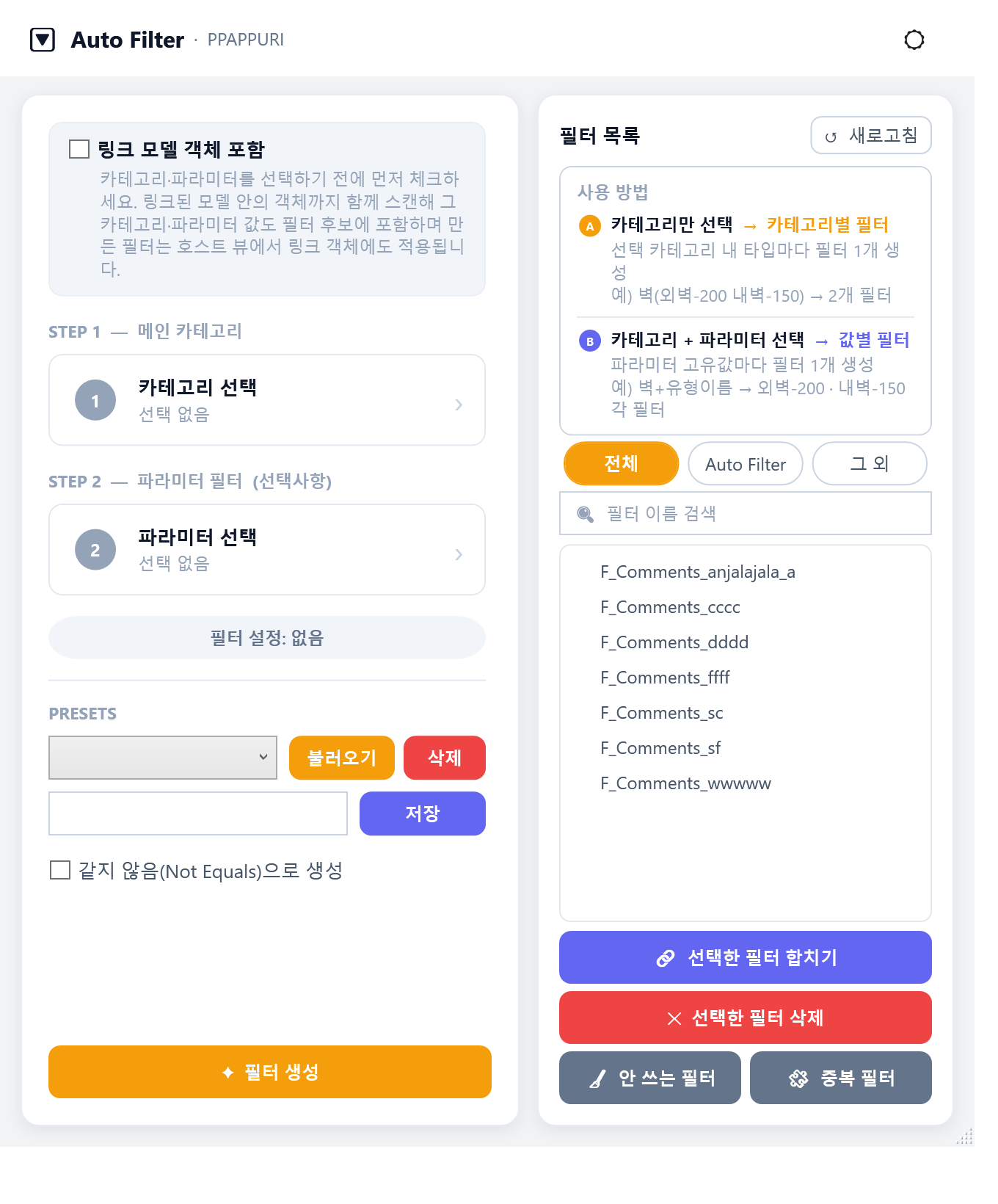
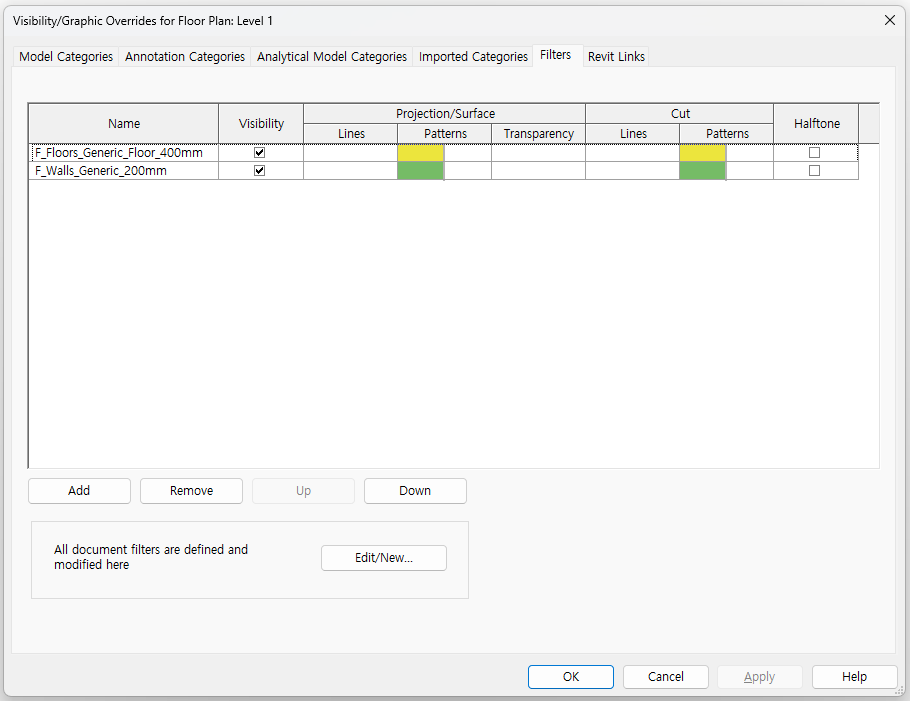
- Create filters by category only → makes a filter per type in that category
- Create filters by category + parameter → makes filters using the parameter value as the condition (equals)
- Merge selected filters → combines the filter conditions (AND / OR selectable)
Parameter Fill
- Set parameter values on objects across multiple categories
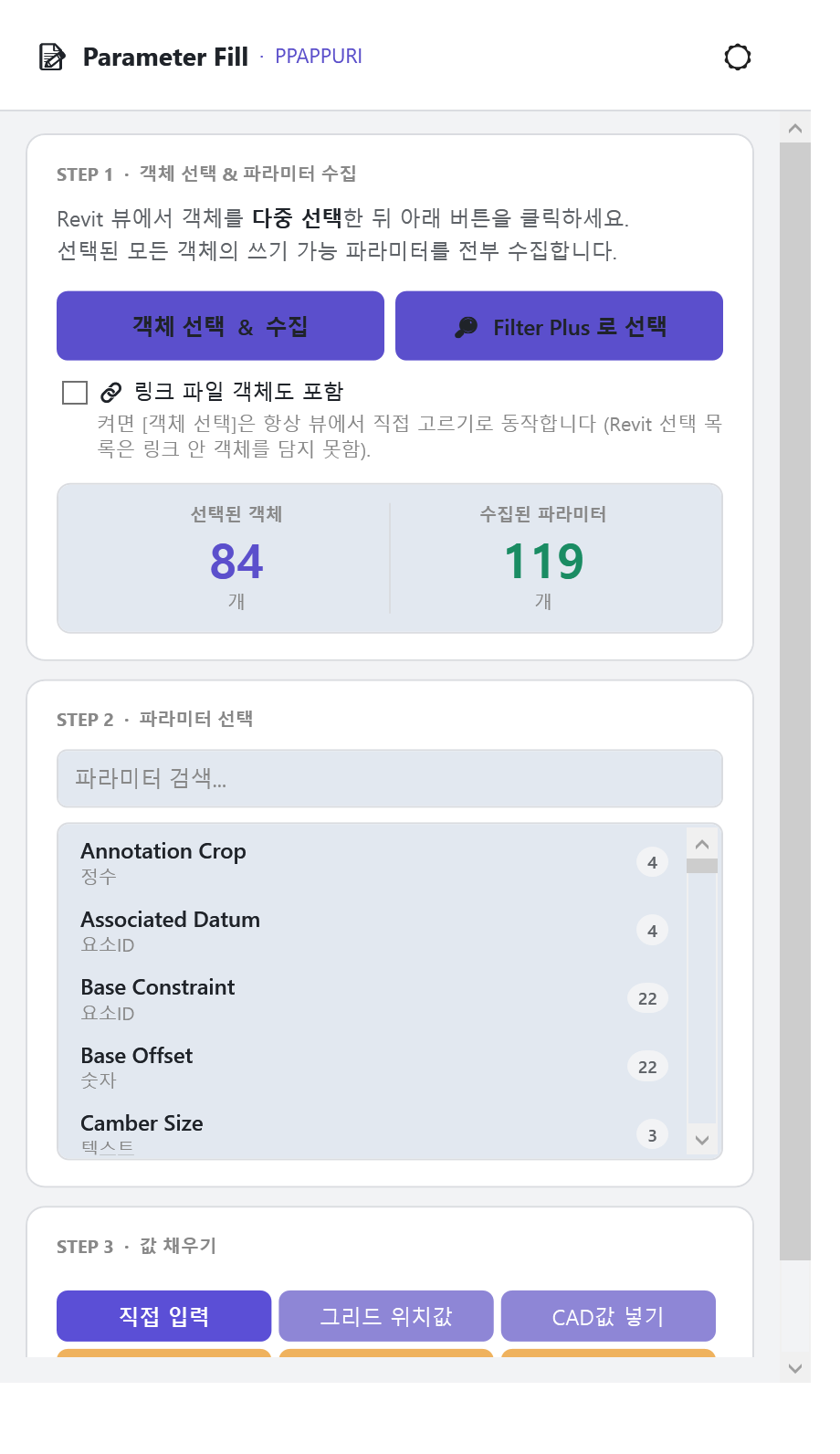
- Select objects and click Select Objects — or click Select Objects first, then select objects
- Collects all parameters of the selected objects; enter the value you want, then apply
*Objects that don't have the chosen parameter are automatically skipped
Relevel
- Bulk-change the level while keeping the actual height
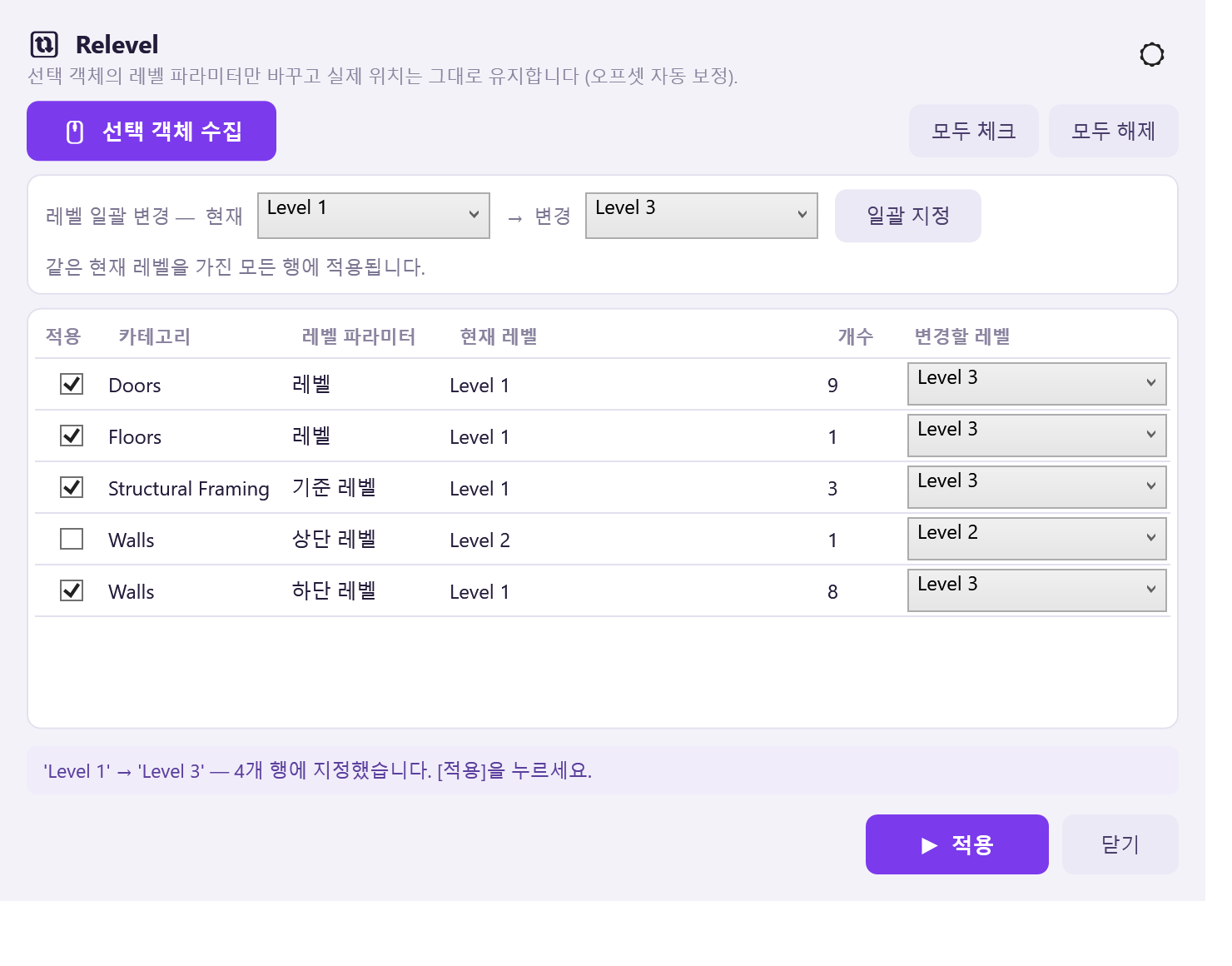
- Collect selected objects
- Change level
*For a wall, if its Top Constraint is Unconnected, the top level is not collected.
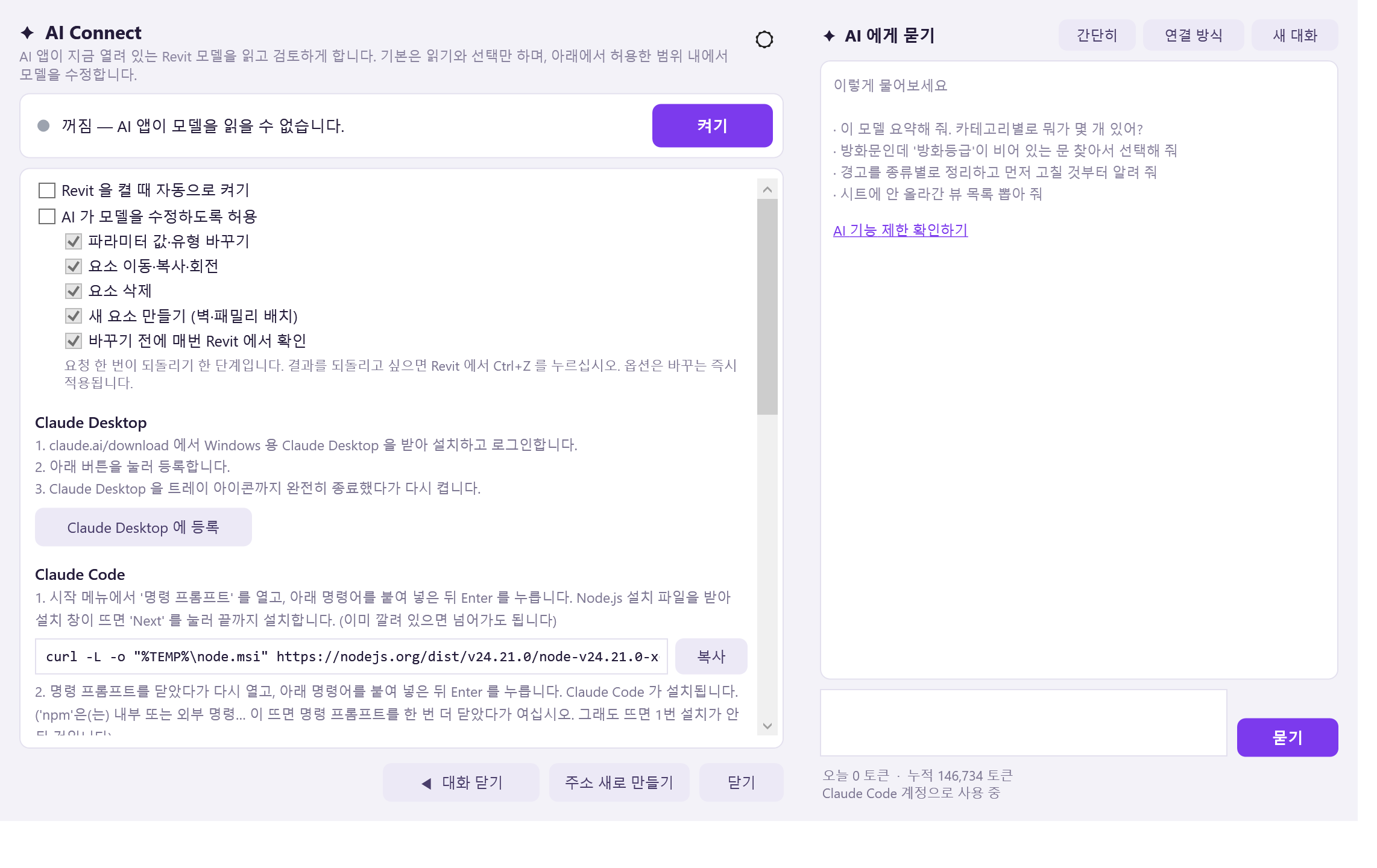
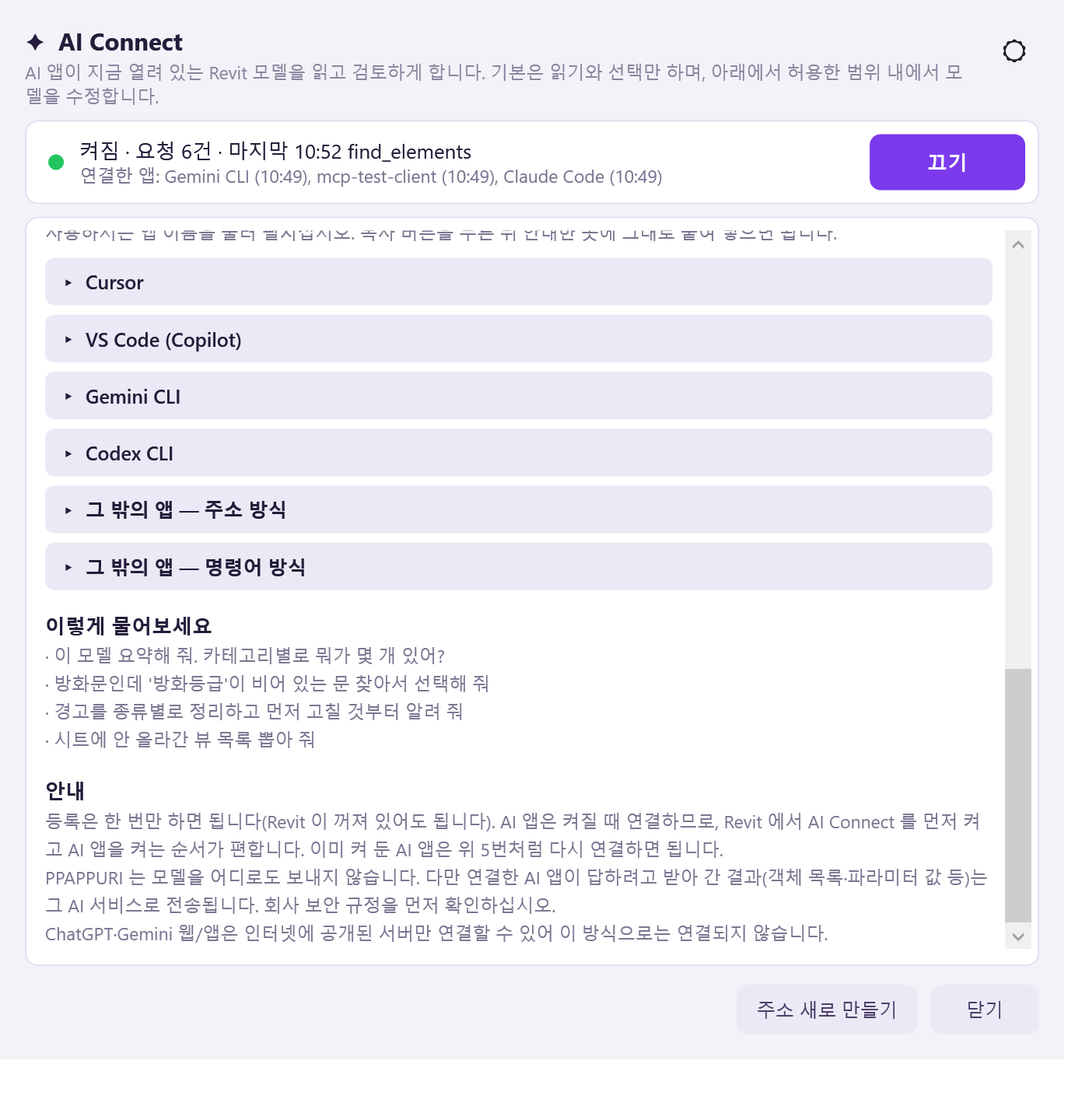
AI Connect
- Connect AI apps to Revit.
- See AI Connect limits for everything it can and cannot do.